

Multi-Factor Authentication Setup
Set up Multi-Factor Authentication in Kivuz IAM to add an extra layer of security for your users.
system23 Şubat 20261 dk okuma341 görüntülenme
Diğer dillerde de mevcut:Turkce
Multi-Factor Authentication (MFA) Setup
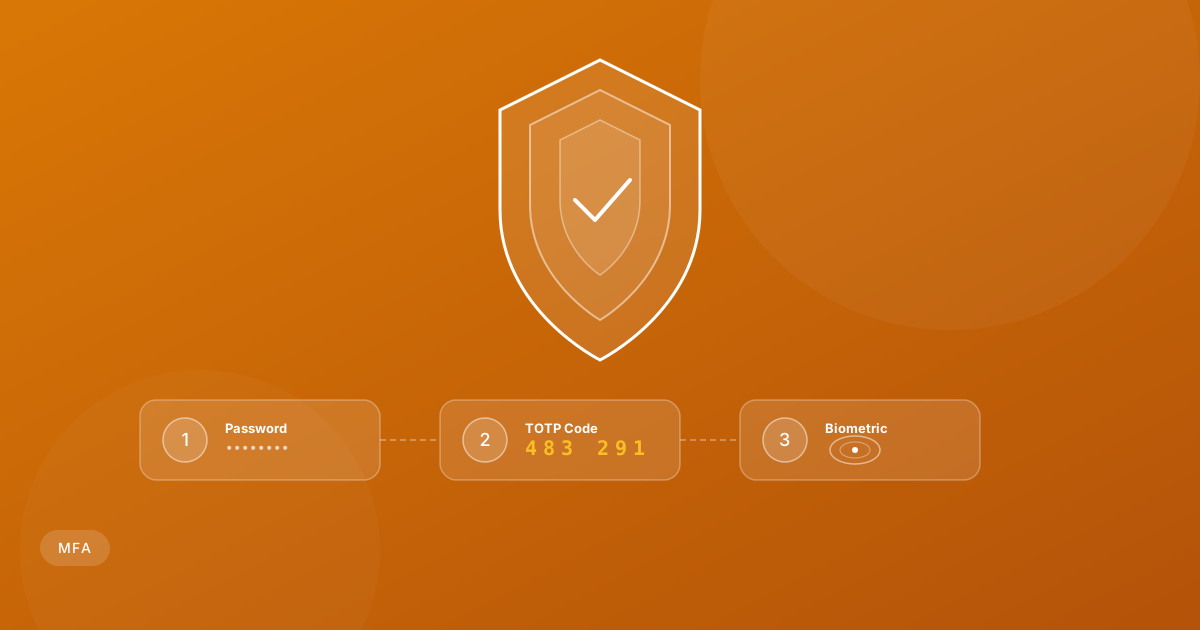
Multi-Factor Authentication adds an extra layer of security beyond passwords.
Supported MFA Methods
TOTP (Time-based One-Time Password)
- Compatible with Google Authenticator, Authy, and other TOTP apps
- Generates a new code every 30 seconds
Email Verification
- Sends a verification code to the user's email
- Useful as a backup method